
Hume Body Pod & Band 2.0 Review
Updated September 2026 with my first full review · First tested September 2026 · 2 videos
My score: 4.5 out of 5
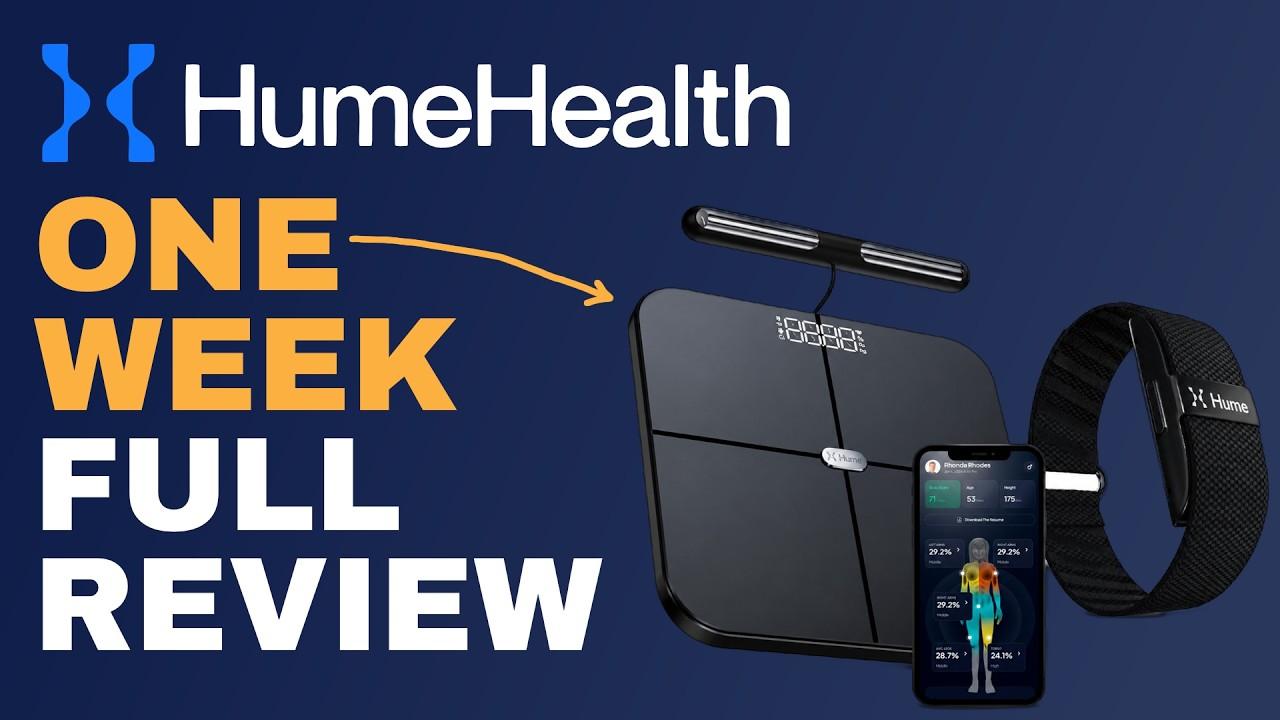
You buy the scale and the band once, and they keep working whether you pay Hume another dime or not. The handle on the Body Pod reads you hand to foot, so the body fat number isn't just a guess from your legs. The catch is Bluetooth only. No phone, no app open, no reading.
Buy it if
- Buy it if you're done paying monthly just to keep a tracker working.
- Buy it if your old scale gives you a body fat number you don't believe.
- Buy it if you want sleep data but won't charge a watch every night.
- Buy it if more than one person in the house will use the scale.
Skip it if
- Skip it if you want to step on the scale without your phone.
- Skip it if you need a screen on your wrist.
- Skip it if you need a DEXA-level number. I can't vouch for that claim.
Photos
Pictures from the videos
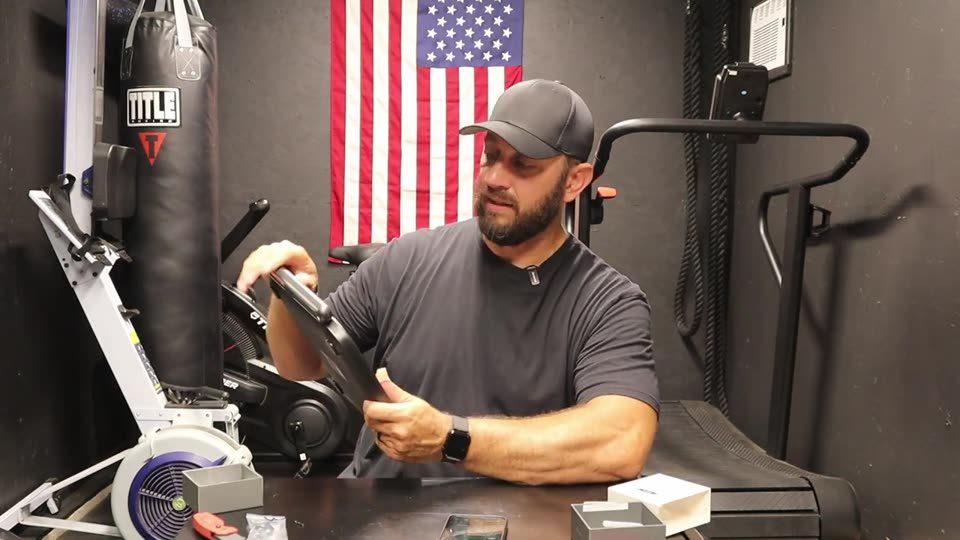
Before you buy
What I don't love
Bluetooth only
Neither device has wifi. Your phone has to be with you and the app has to be open, or the Pod doesn't log anything.
Charge it first
My Pod was dead out of the box and wouldn't wake up during setup. Plug it in for a few minutes before you start.
The DEXA claim
Hume says it lands within about 2% of a DEXA scan. I've never had a DEXA, so I can't check that.
Early scores bounce
The app tells you how confident it is, and early on that confidence is low. Watch the trend, not one reading.
Watch the videos
Every video I've made on it
Newest on top.
Once I have a few months of data, I'll tell you if it's still worth it.
The number I didn't want
Living with the Pod and the Band, the Bluetooth-only catch, and how the cost stacks up against Whoop.
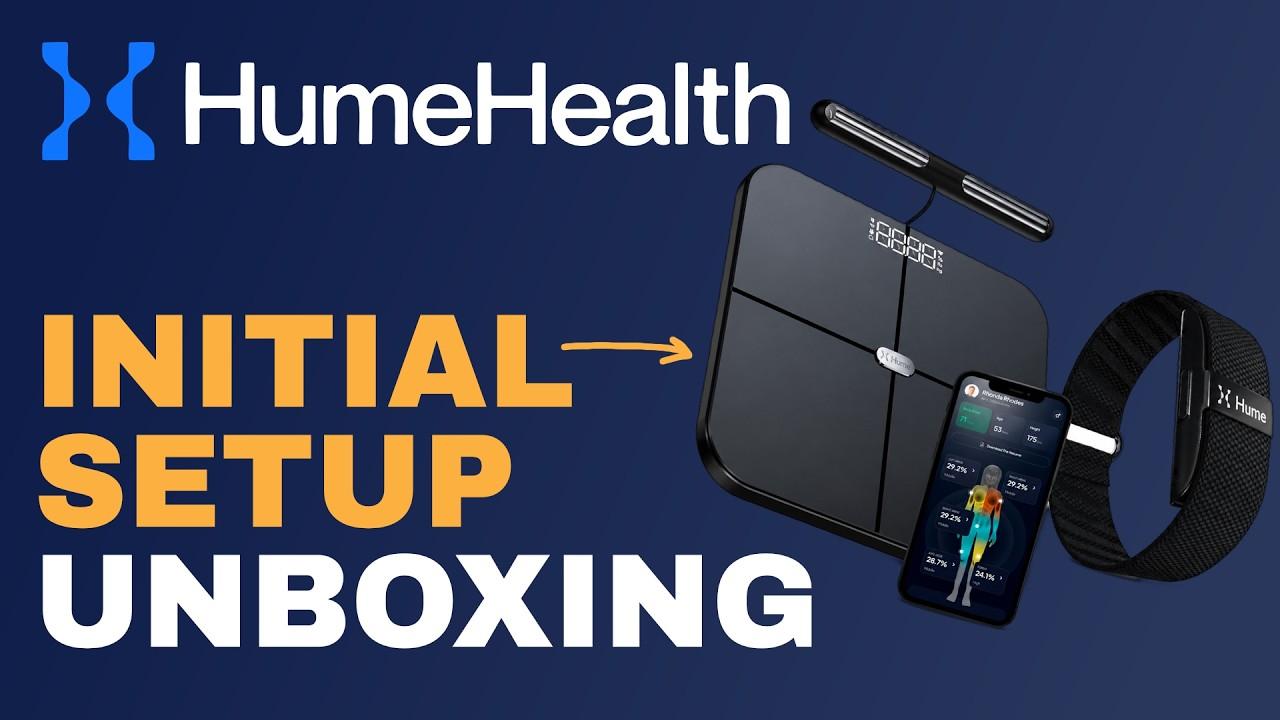
What's in both boxes
Unboxing both devices, app setup, and the one step that stalled me. Charge the Pod first.
Questions I get
Do you need Hume Plus to use them?
No. Hume Plus is optional and adds coaching and deeper features. The core tracking on both devices works without it.
Does the Hume Body Pod need wifi?
No. Both devices connect over Bluetooth, so keep your phone nearby with the app open when you weigh in.
Is the Body Pod hard to set up?
No. Download the Hume Health app, make an account, add the device and follow the prompts. Just charge it first. Mine wouldn't wake up until it had a few minutes on the charger.
Can my wife use the same scale?
Yes. It recognizes up to 24 people, and each person uses their own account on their own phone.
What comes in the Body Pod box?
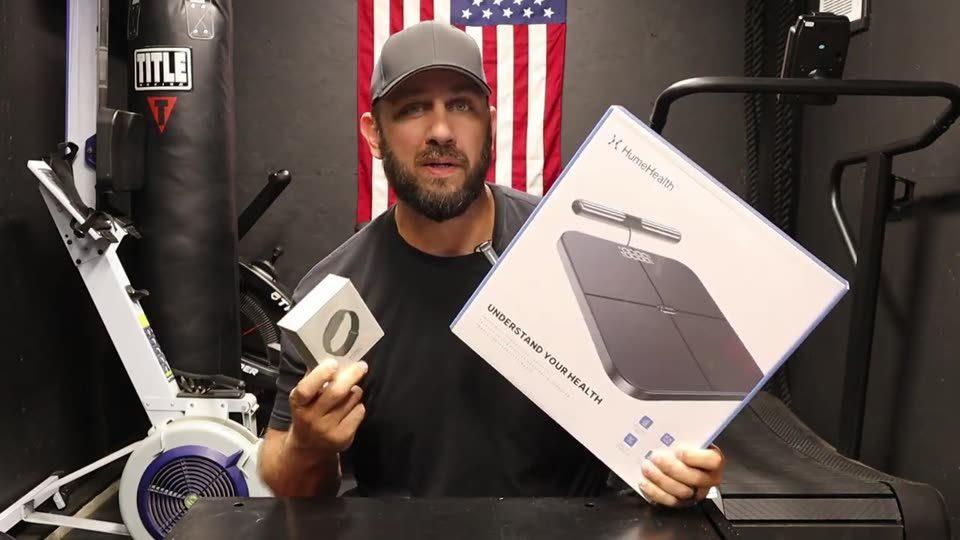
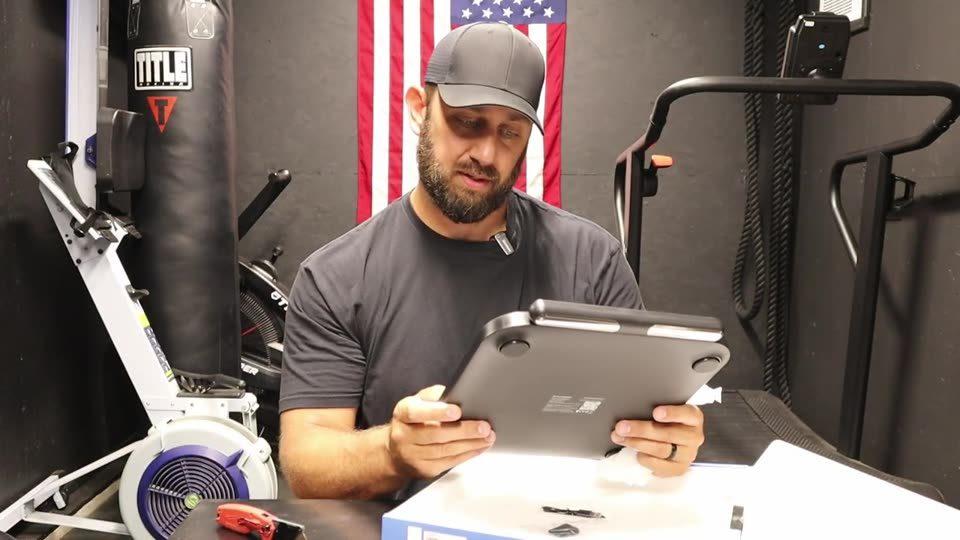
The Pod with the retractable handle, a charging cable, a wall holder for the handle with a sticky back, and drywall anchors.
Specs
| Pod size | 12.7 in square, about 1 1/8 in thick |
|---|---|
| Pod weight limit | 400 lbs |
| Pod metrics | 45 body composition metrics, hand-to-foot via retractable handle |
| Pod users | Up to 24 people |
| Band battery | Up to 14 days (Hume's claim) |
| Band charge time | Under 1.5 hours |
| Band rating | IP68 |
| Band sensors | 5 LEDs, 4 photodiodes |
| Connection | Bluetooth only, no wifi |
From the blog
Related articles
More I've written that goes with this one.

The long version
My full Hume Body Pod and Band 2.0 review
Who these two are for
The Hume Body Pod and the Band 2.0 are for the guy who is tired of paying every month just to keep a tracker working. You buy the scale and the band one time, and the core tracking on both keeps working whether you ever pay Hume again or not.
That's the biggest selling point for me. In a world where everything is a subscription now, it's nice to have a company that gives you real data without charging you every single month.
One thing up front. I'd had both for just over a week when I filmed my review. So this is an early review, not a long-term one.
Why I wanted them
I've had a smart scale and an Apple Watch for years. The scale was just a scale. It had no handle, and it used to tell me I was at 13 percent body fat, maybe 14. I knew there was no way that was true.
The Apple Watch is an older model, and I wanted to charge it overnight. Then I wasn't very good about charging it before bed either. Long story short, I just didn't wear it at night.
I don't feel like I sleep real great, and I wanted some actual insight into that. So the Pod and the Band looked like the right combo.
The handle is the reason to buy the Pod
I keep calling it a scale because that's what everybody will call it, but telling you your weight is probably the least cool thing it does. I'd call it a body analyzer.
With a feet-only scale, the signal goes up one leg and comes back down the other, and it kind of guesses on large parts of your body. That's where you get a body fat number that's off. With the Pod you pull the handle up and hold it, so it's reading from your feet to your hands.
My first weigh-in said 18.6 percent. By the time I filmed the review it had me closer to 19 or 20, which unfortunately for me is likely more accurate. As much as I'm not thrilled about what it is, it gives me a baseline to start working from.
It also reads your arms, your legs and your trunk separately, so you can see where you carry the weight. Hume says the Pod tracks 45 body composition metrics. I'm not using all of them.
If you have metal in you
Fun fact. I have a titanium rod in my right leg, and it kind of threw off the measurement a little bit. There's a difference between my right leg and my left leg in the app, and I think it can only be chalked up to having some metal in there.
I can't prove that's the cause. I'm just telling you what I see on my own readings.
Wearing the Band at 6'5" with big wrists
When I first put it on, it wasn't exactly the most comfortable thing, but that was user error. I didn't have it in the right spot on my wrist, and I'm not used to wearing anything on my right wrist. Once I repositioned it, it was fine. Now I don't even notice it's on there.
The strap is a simple Velcro band. It loosens and tightens easily. I'm a big guy with big wrists, and it fits really well. It's a lot like the Apple Watch sport loop for comfort. There's no screen on it.
I haven't been taking it easy on it either. I've worked in my garden, worked out in the gym and cooked at home with it on, and it doesn't get in the way any more than a watch would.
Hume says the battery lasts up to 14 days. It was fully charged when I started, I was just over a week in, and it was still above 30 percent. So I'm not worried about it.
What the sleep data showed me
The sleep piece has been the interesting one. I can see how good I sleep some nights and how poorly I sleep other nights, and the wake-ups that come with having kids. That's just part of being a dad.
You get a sleep score, a daily capacity number, and a new daily plan in the app every day based on the day before. There's also a blood pressure reading that's in beta. I don't know how accurate it is, and I'm not relying on it.
The surprise was that I'm not in as bad a shape as I thought. I was worried my metabolic age would come back worse than my real age, and it came back better. My cardiovascular grade surprised me too. The body fat and the extra weight were the bad news. So it was good and bad, straight down the line.
The catch: Bluetooth only
Neither device has wifi. The first time I stepped on the Pod I just stood there, and nothing happened, because I didn't have the app open. Your phone has to be with you and the app has to be open, or you don't get a reading. Same with the Band. You open the app to sync it.
That's the one thing I'd fix. You can't step on it and walk away.
The more I thought about it, though, the more it made sense. My wife has the app on her phone with her own account, I have mine, and we both use the same scale with no syncing issues. Hume says it recognizes up to 24 people. And it's one less thing sitting on my wifi, because everything is wifi connected now. So it's not a deal breaker.
Setup, and charge the Pod first
Setup was incredibly easy. You download the Hume Health app, make an account, verify your email, enter your height and add each device.
The one hiccup was that my Pod was dead out of the box. The app said to tap it to wake it up, and nothing happened. Plug it in for a few minutes before you start. The charging port is where the handle docks, which is a weird but convenient spot.
Once it had some charge, the app found the Pod right away, and the Band paired just as fast. The Pod also needs a hard, flat floor. You can't put it on carpet.
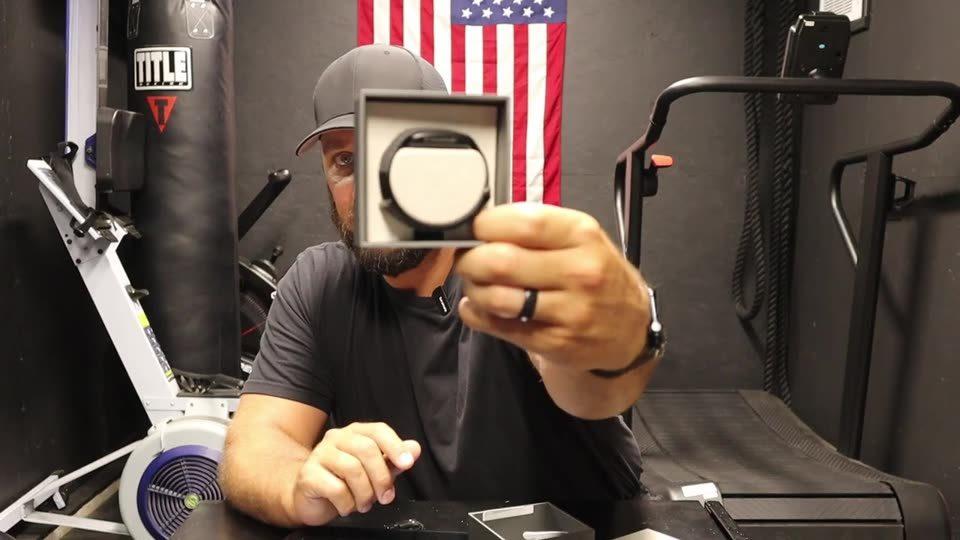
In the Pod box you get the Pod, a charging cable, and a holder for the handle with a sticky back and drywall anchors. In the Band box you get the band, a charging cable and a little dock.
The DEXA claim and the confidence rating
Hume says the Pod lands close to a medical DEXA scan, within a couple percent. I've never had a DEXA scan, so I can't pretend to know if that's true. That's Hume's claim, not mine.
What I can vouch for is having it at home. A one-time purchase I can step on every couple of days is going to be more consistent for me than going somewhere and paying for a scan over and over.
I also like that the app tells you how confident it is in your score. On day one mine was low, because it barely had any data. Watch the trend, not one reading.
How it compares
I've never used a Whoop, so take this for what it is. What always kept me away from it was that you have to keep the subscription. If you stop paying, the band becomes dead weight on your wrist.
Against an Apple Watch, the Band wins on battery life and it isn't close. Against a feet-only scale, there's no comparison on the body fat and muscle numbers. And an InBody at a gym is a much bigger, more expensive machine you're probably not going to have in your house.
Would I buy it?
The Band is a no-brainer for me. I get 24/7 tracking and I only have to charge it every couple of weeks. The Pod gave me an honest picture to start from, and the app lays it all out so it's easy to understand.
Hume does sell an optional membership called Hume Plus with some premium metrics. Most of what's in the app is free, and you don't need it.
Skip these if you want to step on a scale without your phone, or if you need a screen on your wrist. And remember I'm just over a week in. I'll come back with an update once I have a few months of data.
Keep looking
More recovery and health reviews
Monthly email
Get my latest reviews.
One email a month with every review I put out that month. Nothing else.